Your accountant lists the documents they need in the Documents section of each business. You can send files from your computer or take a photo with your phone.
See what's needed
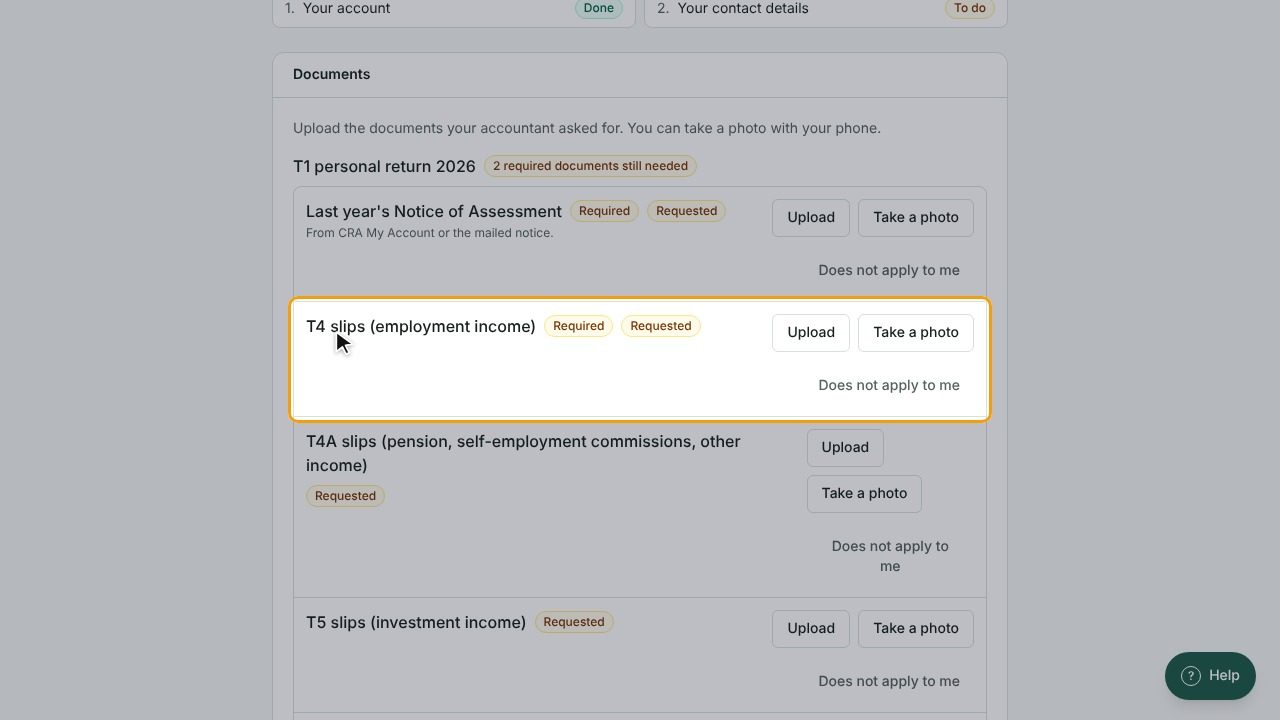
- Go to My businesses and open the business.
- Scroll to Documents. Requests are grouped by job, for example a tax return for a given year.
- Items marked Required are the ones your accountant must have. A badge shows how many required documents are still needed, or All required documents received.
Upload from your computer
- Find the item in the list and select Upload.
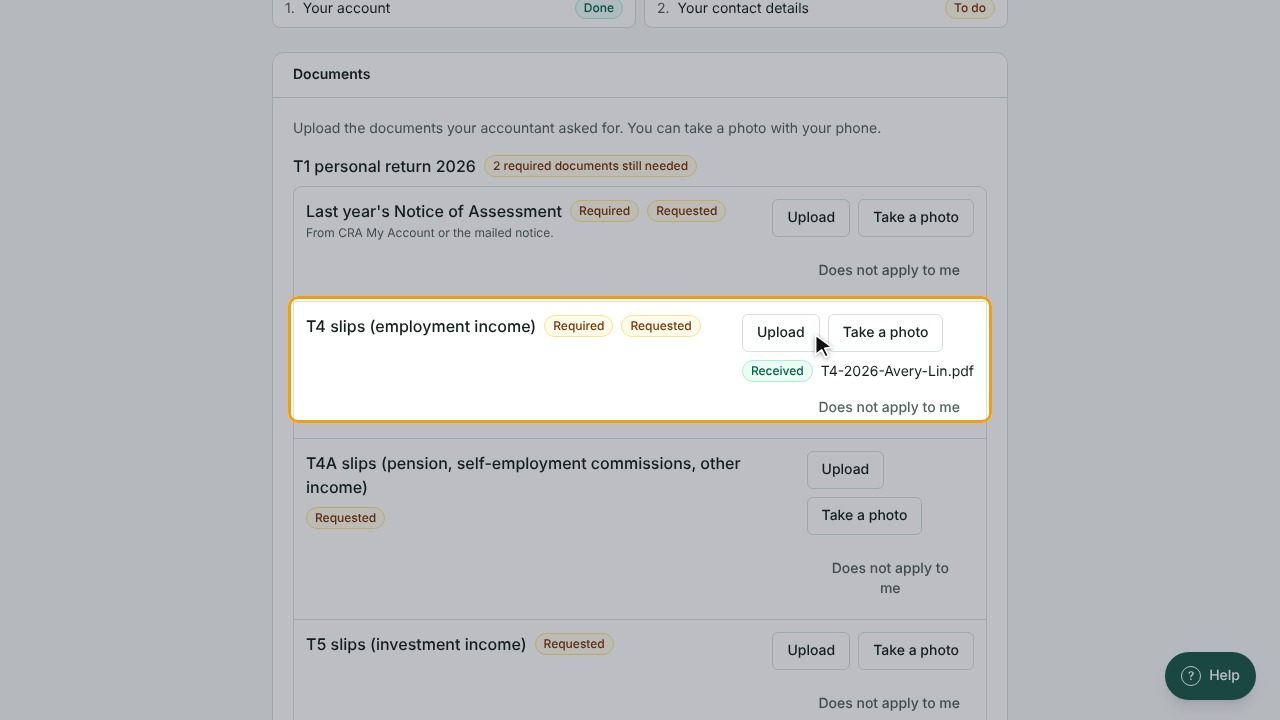
- Choose one or more files. PDF, JPEG, PNG, TIFF and WebP files work.
- Each file shows Received when it arrives, or Not accepted with the reason.
Take a photo on your phone
- Open the portal on your phone and find the item.
- Select Take a photo. Your camera opens.
- Take the picture and confirm. It's sent right away.
Tip: Lay the page flat in good light and fit the whole page in the picture so every number is readable.
Mark an item as not applicable
If a document doesn't apply to you this year:
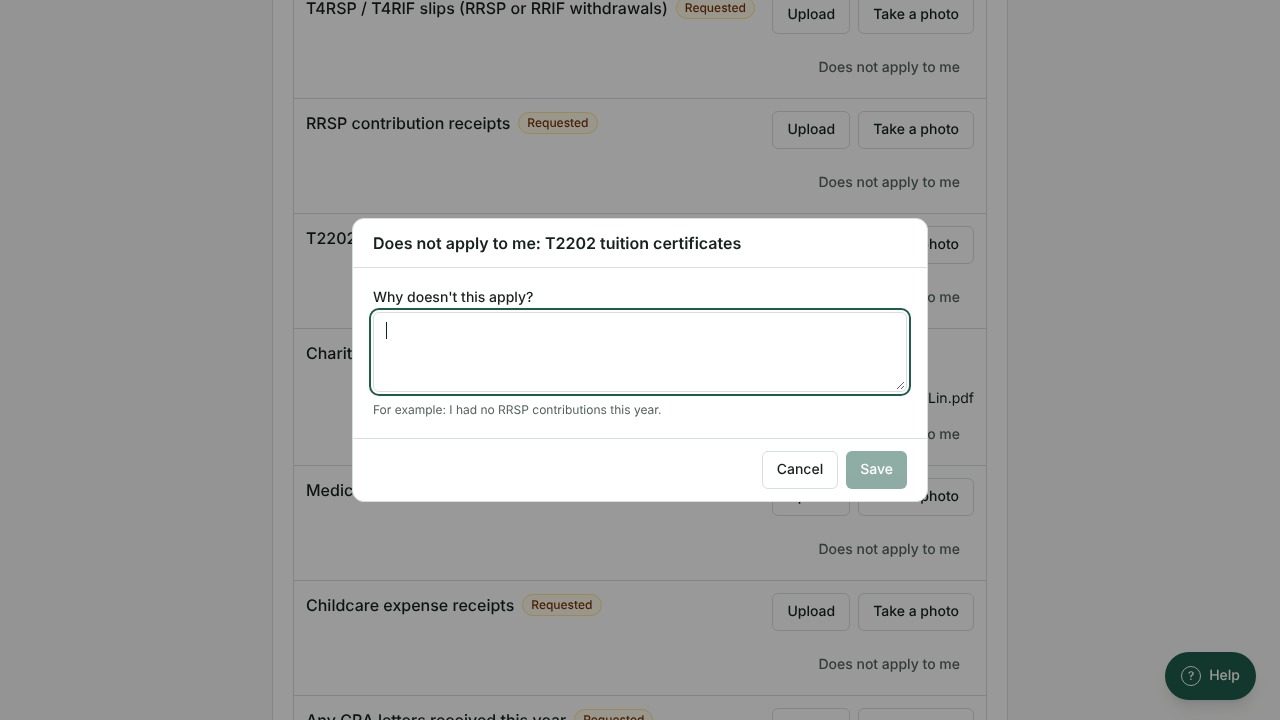
- Select Does not apply to me next to the item.
- Under Why doesn't this apply?, write a short reason, for example: "I had no RRSP contributions this year."
- Select Save.
Send something that wasn't requested
Under Something else, select Upload another document to send any other file you think your accountant needs.
What happens after you upload
- Files are sent securely and checked for viruses.
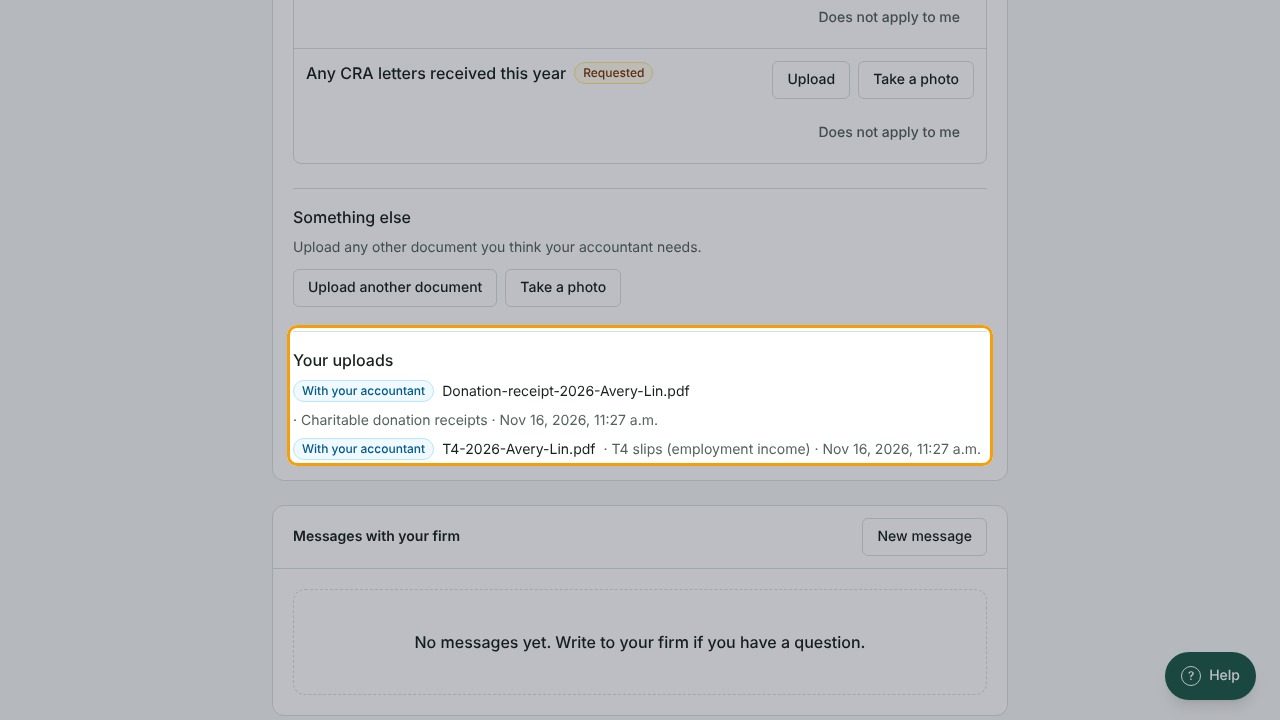
- Under Your uploads, each file shows its status: Received, With your accountant, Accepted or Not accepted.
- If a file is not accepted, your accountant may ask you to send it again.
Upload with a secure link (no account needed)
Your accountant may send you a secure upload link instead, for example for a single document.
- Open the link. You'll see Upload documents for followed by the firm's name.
- Select Choose files or Take a photo.
- The page shows how many more files you can send and until when.
- When you've sent everything, select Done. The link then stops working.
If you see This link can't be used, the link has expired or was already used. Ask your accountant for a new one.